
Local settings
Favorites, profiles, notes, and launcher settings stay on your device.
Your time
Pick the closest number. A rough answer is enough.
This reflection stays on this page. Your answer is not saved or sent.
One year
Choose a daily amount to see what it becomes over one year.
Not all screen time is wasted. The time you did not choose is the part to take back.
Your home screen
Less noise. Less mindless opening. More time for real life.
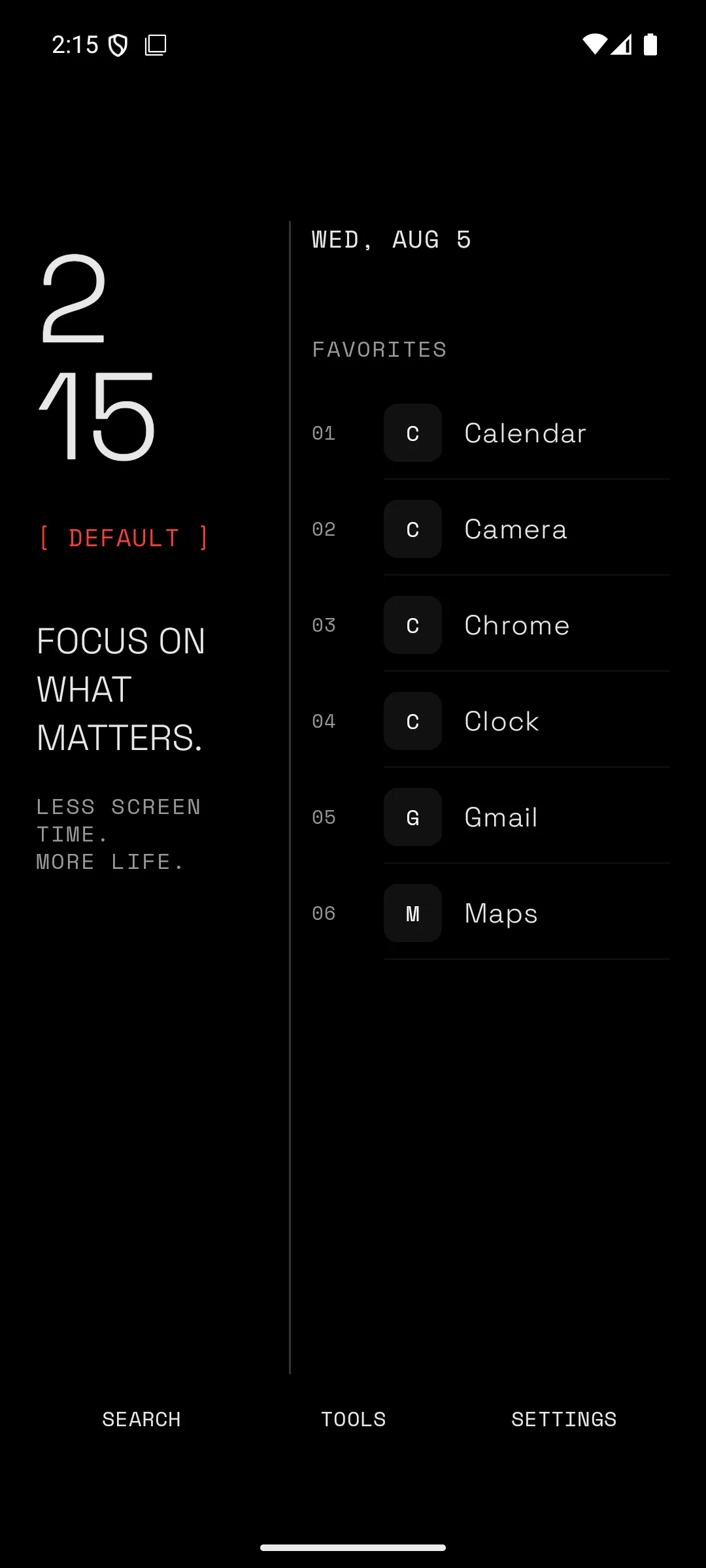
How distraction starts
It often begins on the screen you see first.
How it helps
Minimalistic keeps useful apps close and adds a pause before distracting apps. Everything else stays one search away.
Start empty. Add only the apps that deserve a place on your home screen.
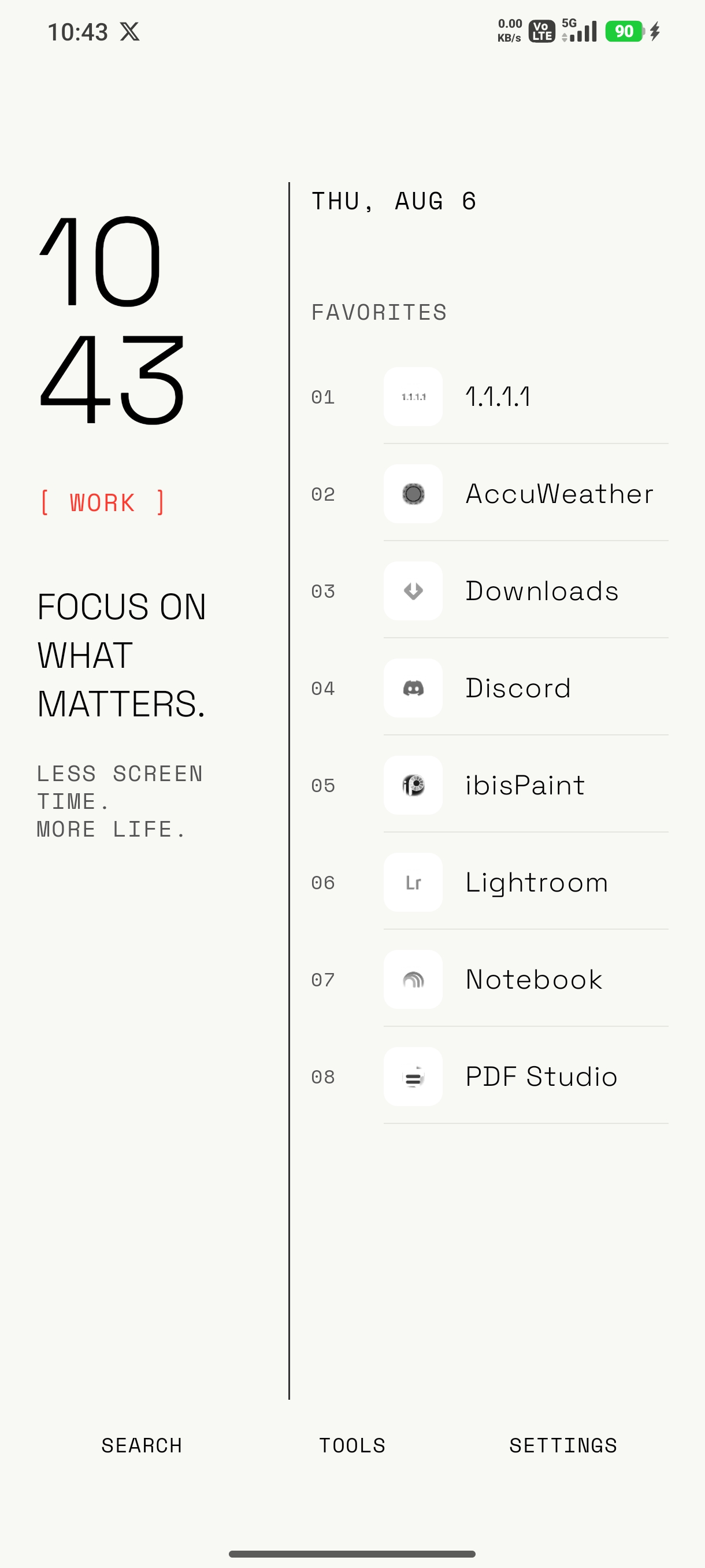
Swipe up to find any app. Swipe sideways for settings or tools, then return home in one move.
Build your own home
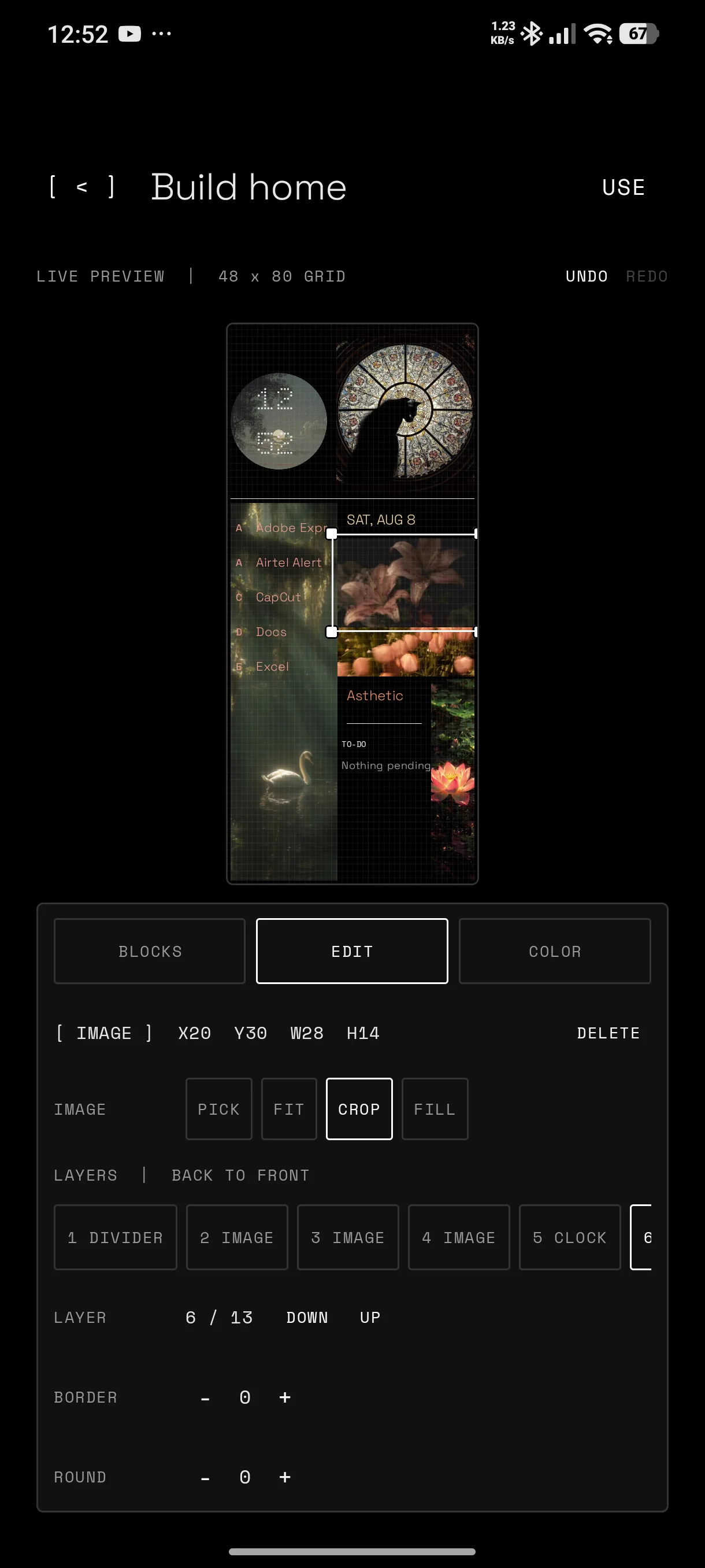
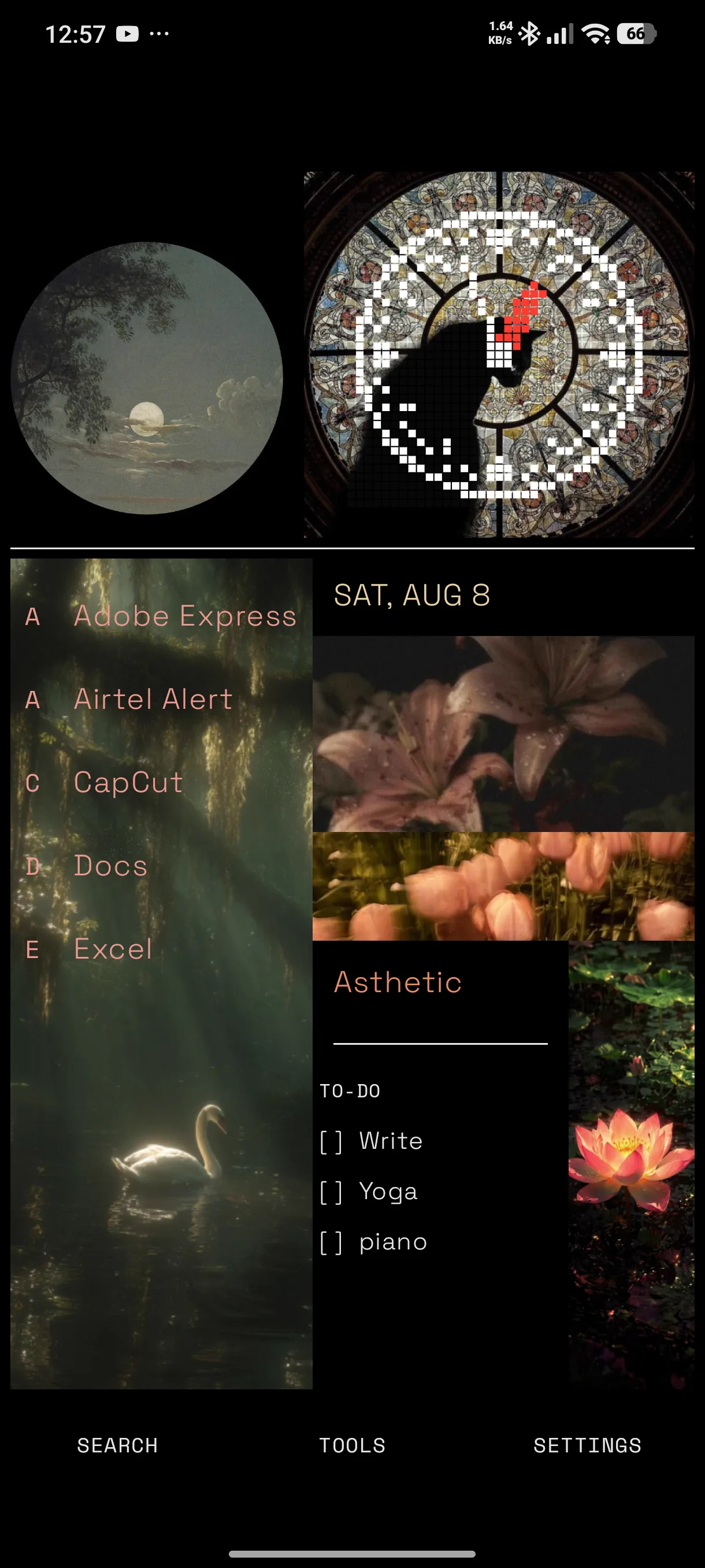
Place clocks, app lists, images, text, timers, dividers, and more on a responsive grid. Resize, color, and layer each block.

Mindful delay
Mark an app as distracting and choose a short delay. You can still open it, but the decision stops being automatic.
Useful without the clutter
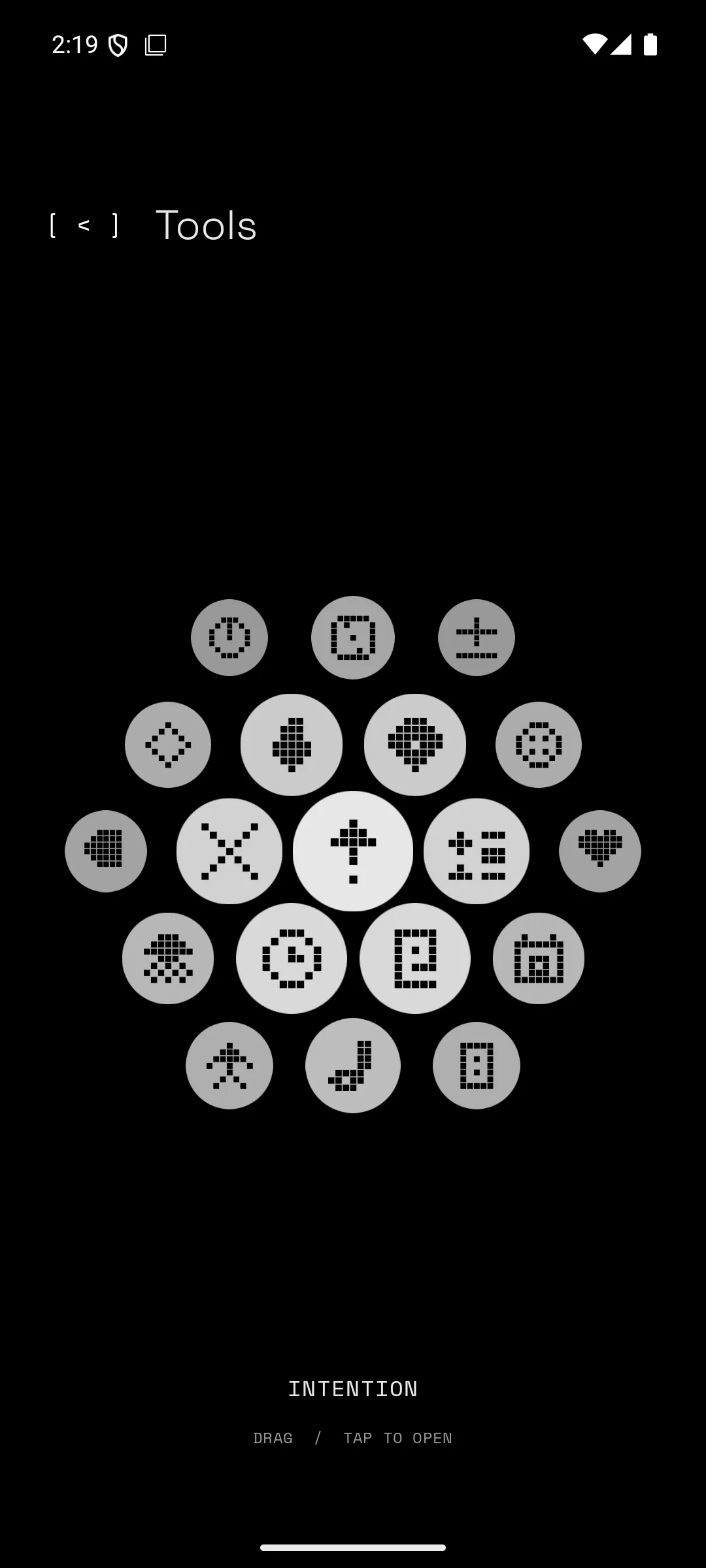
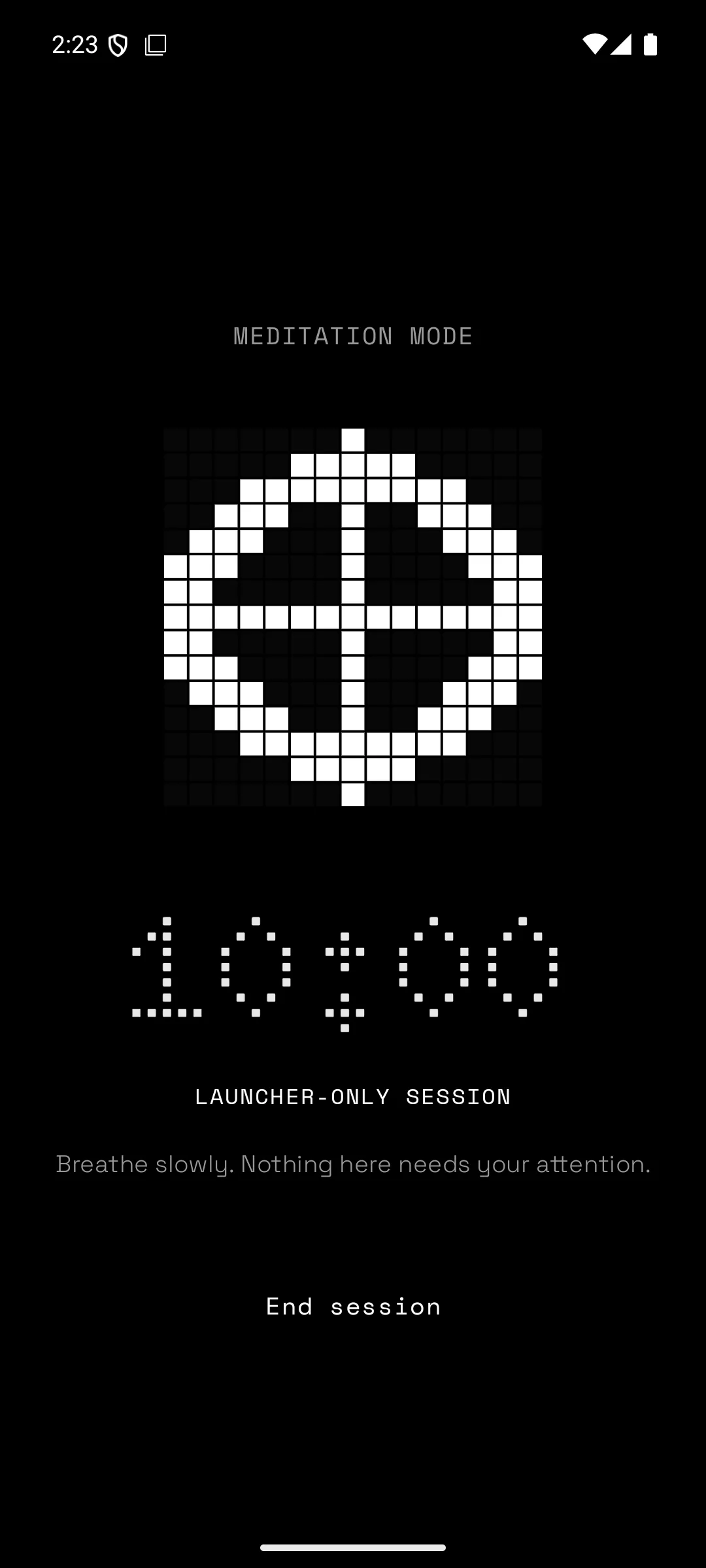
Notes, to-do, timer, calendar, calculator, local music, weather, meditation, and a few pixel tools live inside the launcher.
Your privacy
Favorites, profiles, notes, and launcher settings stay on your device.
Device-wide controls work only after you read the disclosure and enable Android Accessibility yourself.
Your typed city goes to Open-Meteo only when you ask for current weather. Location permission is not used.
Minimalistic journal
Common questions
Yes. Android can set Minimalistic as the Home app, so pressing Home returns to your chosen launcher layout.
No. Hiding affects the launcher only. You can unhide an app at any time from Settings.
The normal launcher and mindful delay do not. Optional device-wide blocks and reminders use Android Accessibility only after you enable it.
Yes. The builder preview follows the device window ratio, and saved blocks render against the available screen.
Make space for what matters